Benton Middle School

ParentVUE Information for Parents
ParentVUE Information
ParentVUE is a tool that parents and guardians use to view their child's bus information, class schedules, grades, immunization records, attendance information, and more.
Need to create a ParentVUE account?
Current families
If you have a student who is already enrolled in PWCS and you do not have a ParentVUE account, contact your child's school to request a ParentVUE activation code.
New families
ParentVUE accounts are unique to each school district. Families that have moved to Prince William County from another school district must create a PWCS ParentVUE account during the registration process.
Download the ParentVUE App
Step 1
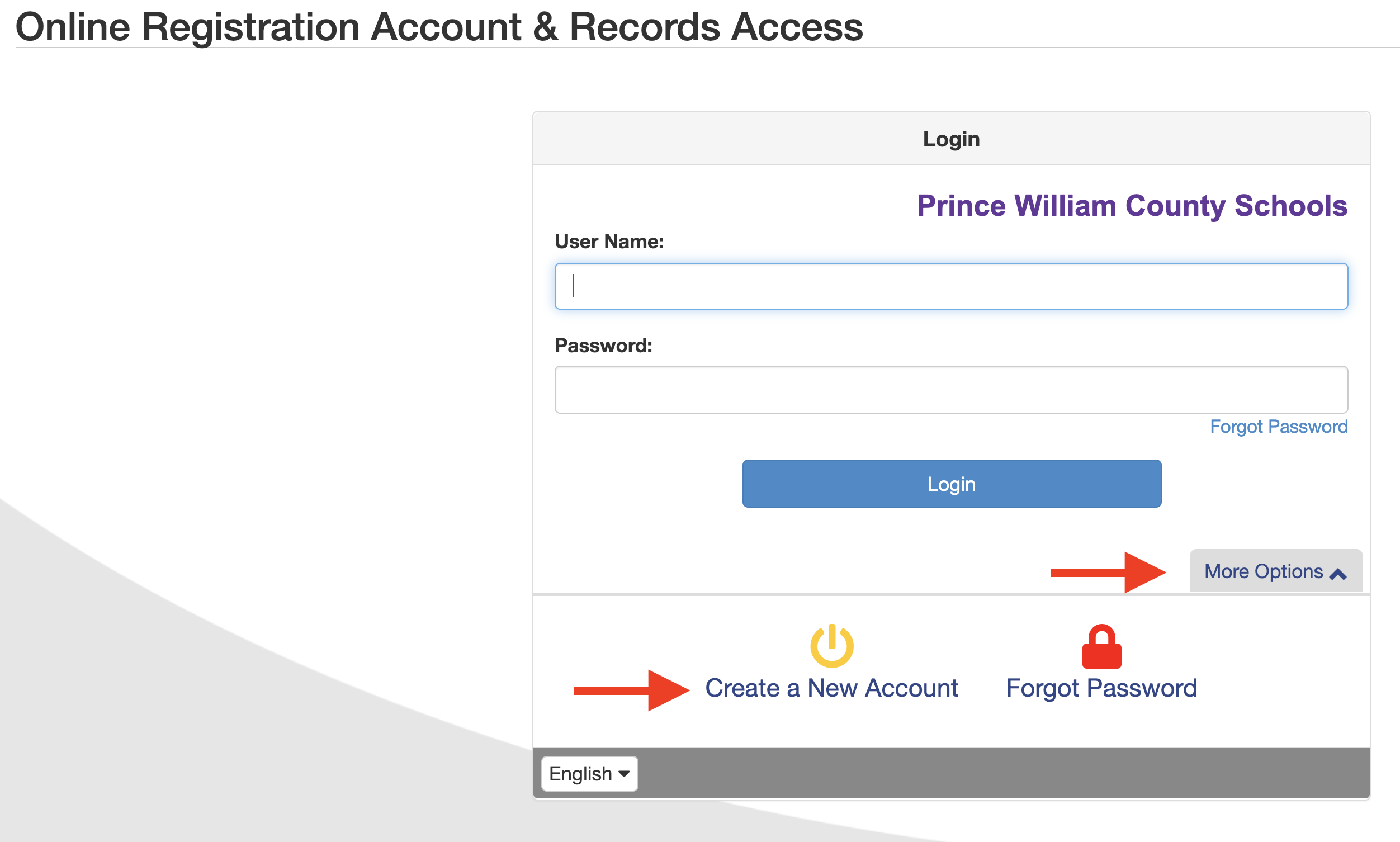
Go to the Online Registration Account and Records Access screen.
- Click the More Options tab, then click Create a New Account.
Step 2
Answer the Parent Account Activation questions and click Continue.
- If you answer YES to any of the questions, you already have an active ParentVUE account.
- If you have an account but forgot your password, complete the password reset request form. If you are unable to reset your password, please email [email protected]with your name, email address, and student name(s).
- If you have a student currently enrolled in PWCS, but never activated your ParentVUE account, please contact your student's school for assistance.
- If you answer NO to all the questions, continue to Step 3.
Step 3
Review the ParentVUE/StudentVUE User Agreement, and click I Accept to continue.
Step 4
Create your account by completing the following fields, and click Continue to Step 5.
- Legal First Name and Last Name – Please be sure to enter your name as it appears on government-issued identification. Your name as entered here will be used for your electronic signature.
- Email Address – an activation link will be sent to this email. Please be sure to enter a valid email address.
- Security Code – provided at the bottom of the screen.
Step 5
A confirmation message will appear. You will receive an email that will contain a link that will allow you to complete your account creation and begin the enrollment process.
- Click the link in the email. The Complete Account Creation window opens.
- Complete the following fields to complete your account creation, then click Save and Continue.
- User ID – by default, your email address is listed but may be changed if desired.
- Password
How to Access ParentVUE
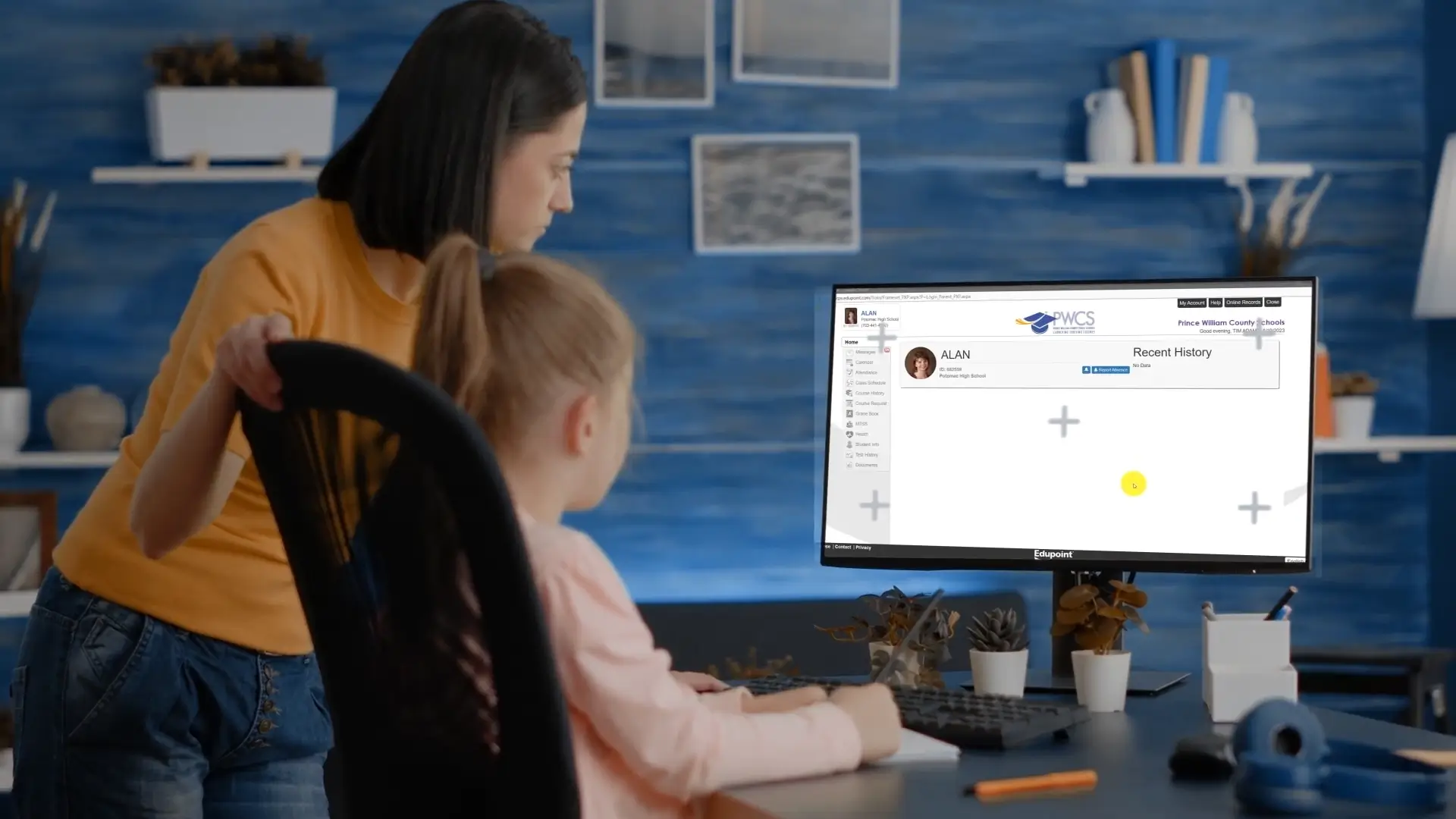
Need assistance with your ParentVUE account?
Visit the ParentVUE website to reset your password.
- What is ParentVUE?
- ParentVUE is an online portal that allows parents and guardians access to information related to students for whom they are legal guardian(s) or have rights to educational records under the Family Educational Rights and Privacy Act.
- What information am I able to access through ParentVUE?
- Parents and guardians can view student schedules and teacher assignments, bus stop information, and monitor grades and attendance. Parents and guardians can access important documents, including report cards and Student Vision Profiles for students in grades 6-12. They can also view their student's test history and immunization records.
- How do I access the ParentVUE parent portal?
- You can access ParentVUE online at parentvue.pwcs.edu. For the best user experience on mobile devices, download the ParentVUE app from the App Store or Google Play.
- What if I have questions or issues with ParentVUE?
- If you have additional questions or issues with ParentVUE, please contact your child's school for assistance.
- What should I do if I forgot my ParentVUE username and password?
- If you have forgotten your username or password, click More Options button on the ParentVUE login page, click Forgot Password link, and follow the prompts.
What You Can Do in ParentVUE
-
Instructions for Completing Specific Actions in ParentVUE
- Register a Student
- Check Student Immunization Compliance
- Complete the Annual Back to School Packet
- View Bus Information
- View Teacher Assignments and Class Schedules
- Check Meal Balances
- Report Absences to Schools
- Opt in to Mental Health Telehealth Through Hazel Health
- View Student Grades
- Complete the Impact Aid Survey
- Review the Student Vision Profile
- Access Test Results (SOL, WIDA)
- Opt Out of Bus Transportation