
StudentVUE Information:
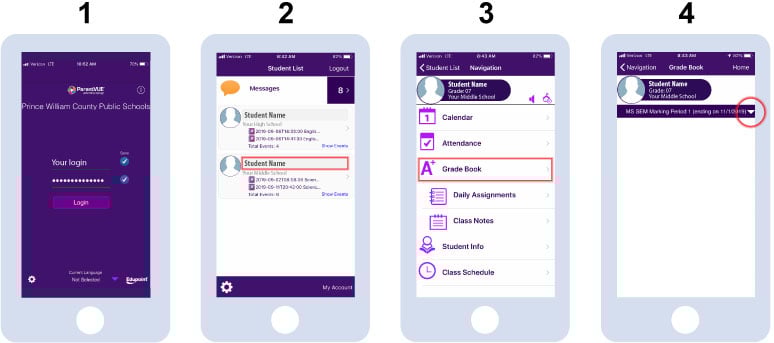
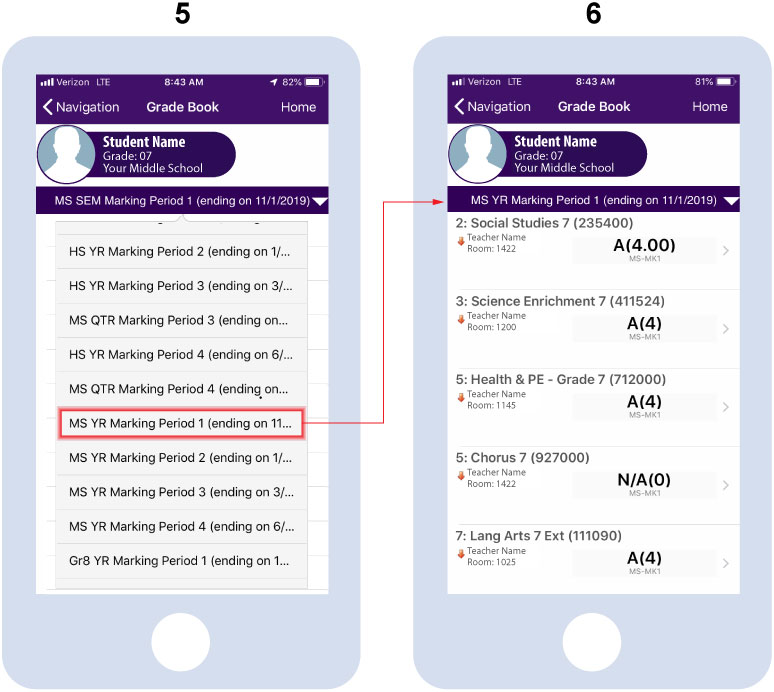
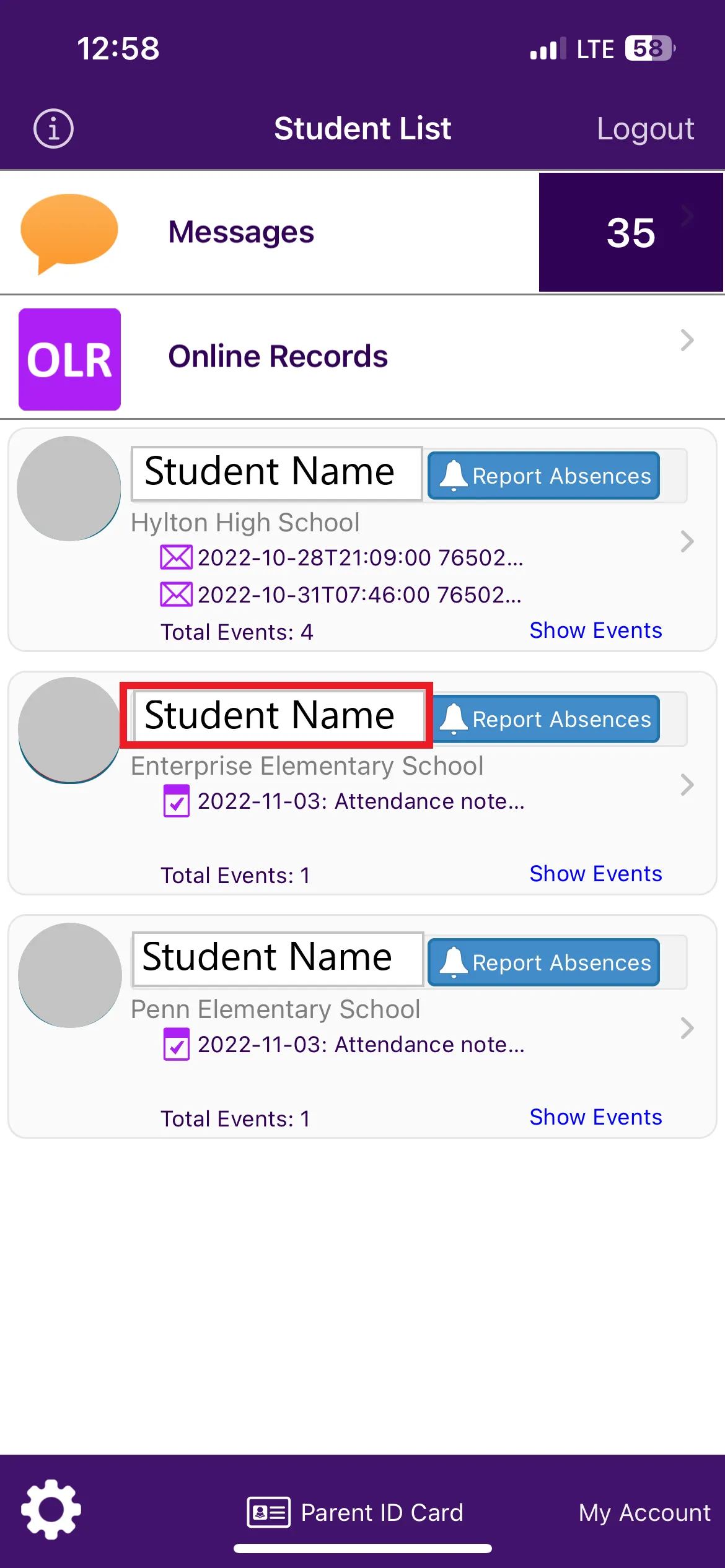
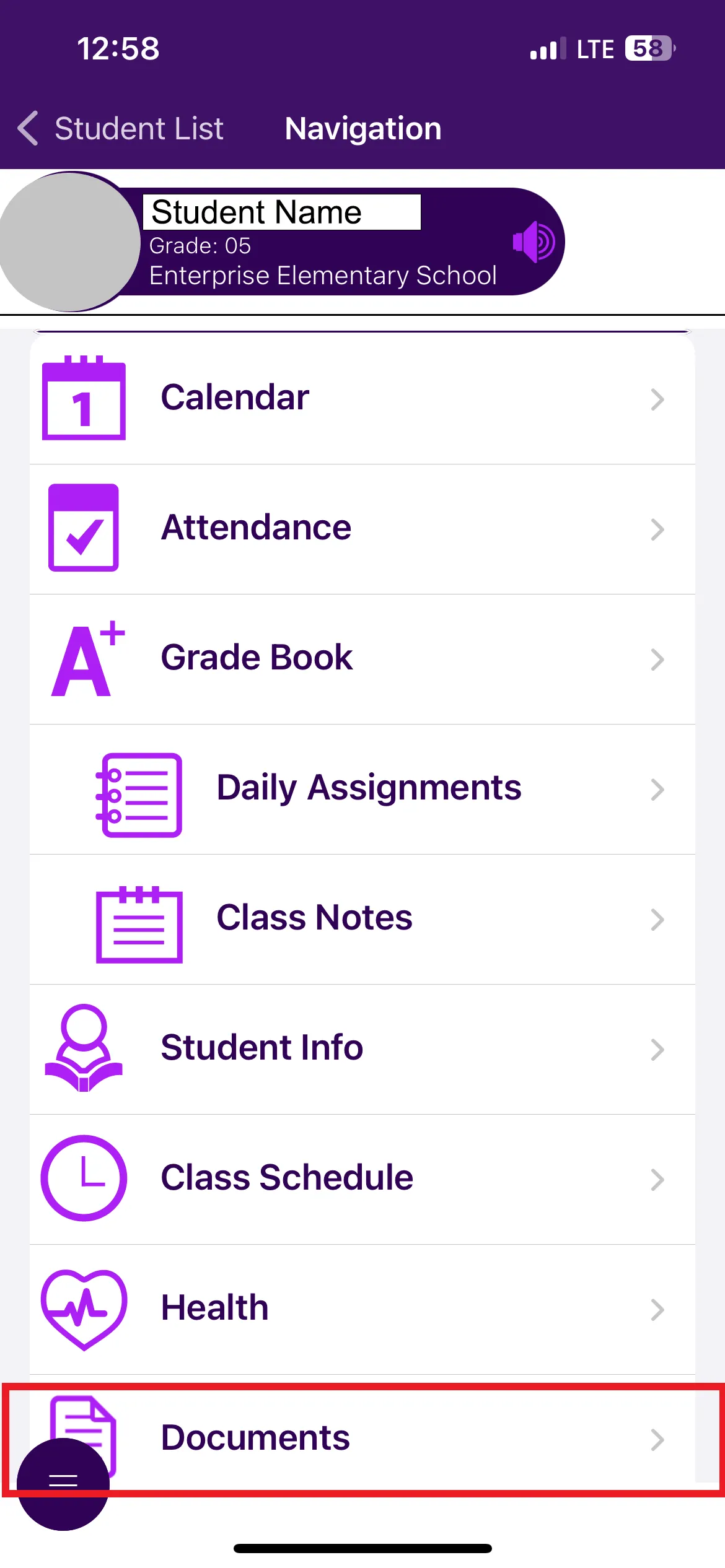
StudentVUE gives students access to bus and class schedules, grades, attendance information, and more.
Students can access their StudentVUE account on their Student iPad through single sign-on using their Microsoft 365 username and password credentials. If you have forgotten your password or have issues with login, please contact your school's ITC.
All information is available in both StudentVUE and ParentVUE.
StudentVUE is a website that offers secure, private access to school and student information, including assignments, grades, attendance, school calendar, and teacher contact details.
Log In
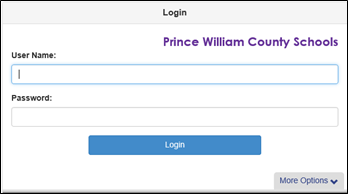
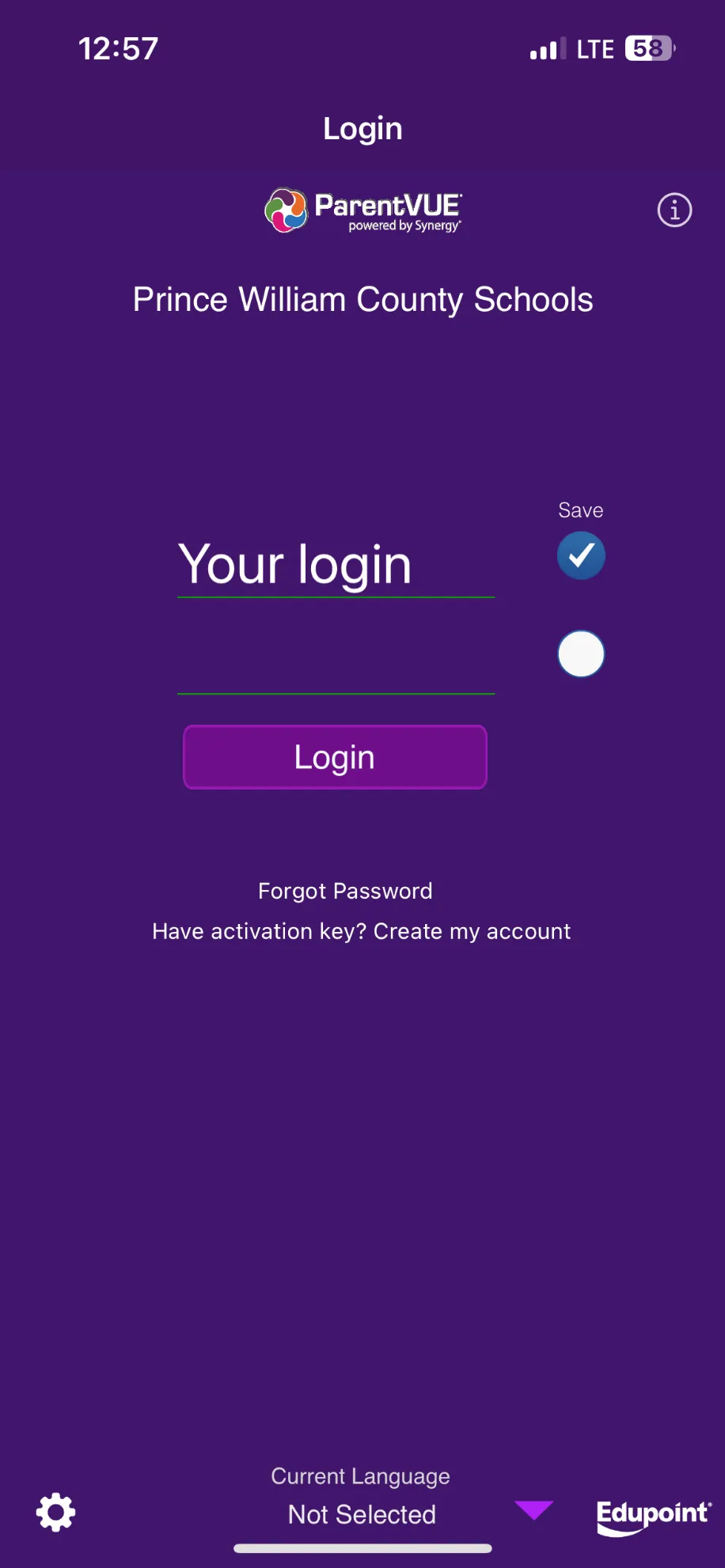
- Go to StudentVUE or enter the StudentVUE URL studentvue.pwcs.edu in your web browser; or open the iPad app.
- Enter your Microsoft 365 username and password and select Login.